
You open Ads Manager on Monday morning and the number that was a comfortable 3.4 last week now reads 1.9. Spend is the same. The ads are the same. Orders are down and your stomach is not great. If your Meta Ads ROAS dropped overnight, the worst thing you can do is start changing things. The second worst is to assume Meta broke something. Most of the time the cause is ordinary, findable, and fixable in a few days.
This guide walks through the order we use when a D2C account falls off. It starts with the cheap checks, because the cheap checks explain more drops than anyone likes to admit.
Step 1: Confirm the drop is real
Before you diagnose anything, make sure you are not reacting to noise. A single bad day on a small budget can swing ROAS by a mile. Look at seven days against the previous seven, and compare the same weekdays so a weekend does not distort the picture.
Then compare what Meta reports against what your store reports. Open Shopify or WooCommerce and look at total revenue for the same window. If store revenue is flat but Meta shows fewer purchases, you probably have a tracking problem, not a performance problem. If both are down, the problem is real and you keep going.
Step 2: Rule out tracking and attribution
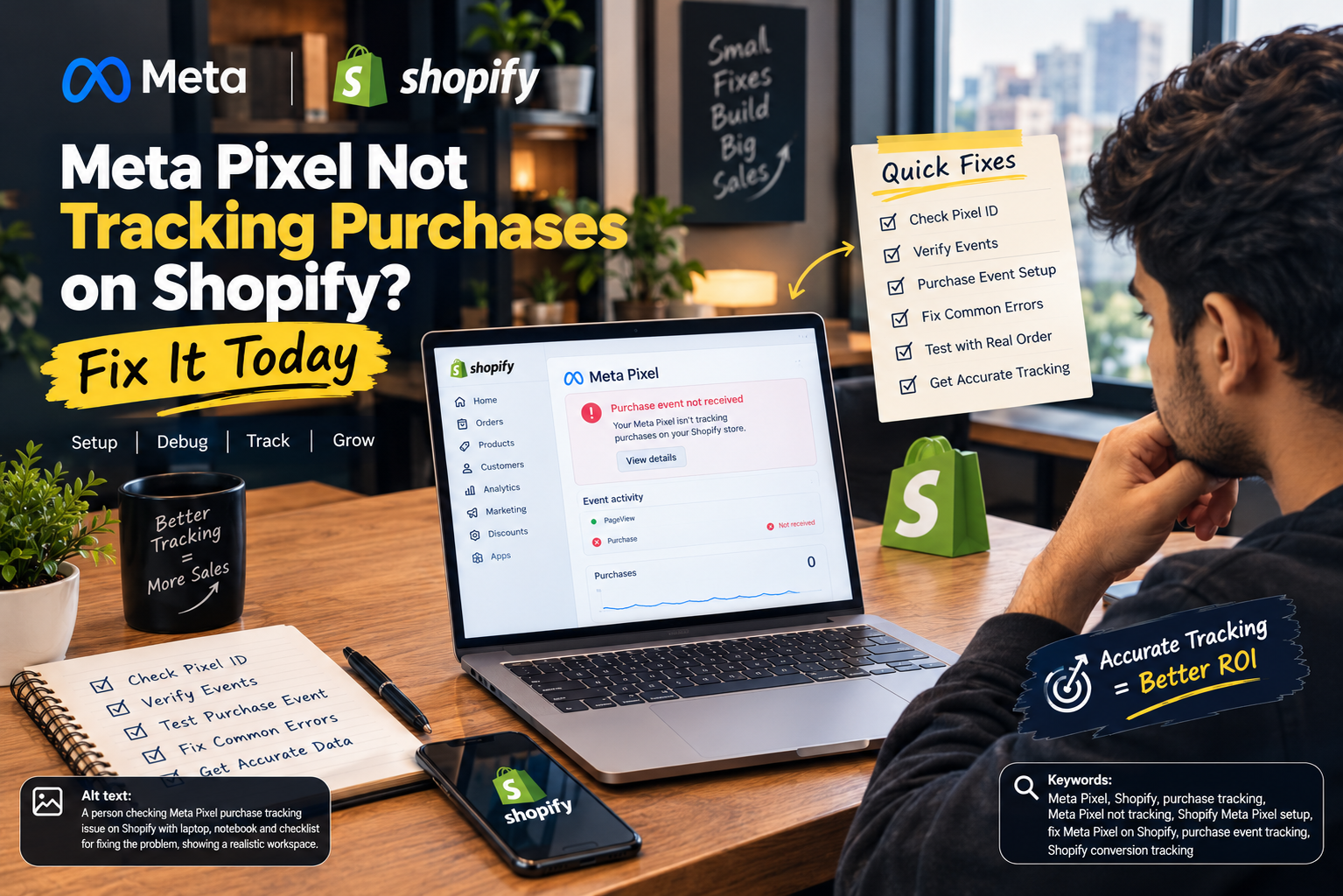
This is the first thing we check, and it is the cause more often than people expect. Pixel events can stop firing after a theme update, a checkout app change, or a new cookie banner. Browser-only tracking also loses a chunk of purchases to privacy settings, which is why the Conversions API matters.
- Check Events Manager. Look for a drop in purchase events, a sudden rise in duplicate events, or a warning about match quality.
- Confirm server-side tracking is still sending. If you use the Conversions API through your platform or a tag manager, make sure it did not get disconnected during an update.
- Look at your attribution setting. A changed attribution window will move reported ROAS without changing real sales. Compare like with like.
If the numbers reconcile and sales really did fall, move on.
Step 3: Look at creative fatigue
Creative fatigue is the most common genuine cause of a slow ROAS slide, and it often feels sudden because the decline hides behind a few strong ads until they finally give out. Watch for rising frequency, a falling click-through rate, and a climbing cost per purchase on your top spenders.
As a rough rule of thumb, a prospecting ad set that keeps showing the same ad to the same people more than three times a week is a flag. Not a law, a flag. The fix is not a new colour on the same video. It is a different angle: a new hook, a different customer problem, a different format. Brands that rely on a single hero creative tend to feel this hardest, so build a steady pipeline instead of waiting for the crash. If video production is the bottleneck, our AI video creation and Meta Ads services are built around exactly this problem.
Step 4: Check audience saturation
If you have been scaling the same audience for weeks, you may simply have reached most of the people likely to buy at your current price. Reach flattens, frequency climbs, and you start paying more to talk to the same crowd.
Check how much of your spend sits in retargeting versus prospecting. A healthy account keeps feeding the top of the funnel. If prospecting has quietly shrunk, retargeting ROAS can look great for a while, and then the pool of warm visitors runs dry and everything falls at once. Broad targeting with strong creative, plus fresh lookalike and interest tests, usually restores reach.
Step 5: Account for auction pressure and seasonality
Sometimes nothing is wrong with your account at all. Competition for the same audience goes up in the run-up to big sale periods, and when more advertisers bid, your CPMs rise. Higher CPMs with the same conversion rate means lower ROAS. That is arithmetic, not a bug.
Look at your CPM trend. If CPM jumped while click-through rate and conversion rate held steady, you are likely seeing auction pressure. In that case the answer is not to panic-cut, but to protect margin: lead with your best offers, tighten the weakest ad sets, and plan your creative for the busy weeks before they arrive.
Step 6: Audit the landing page and offer
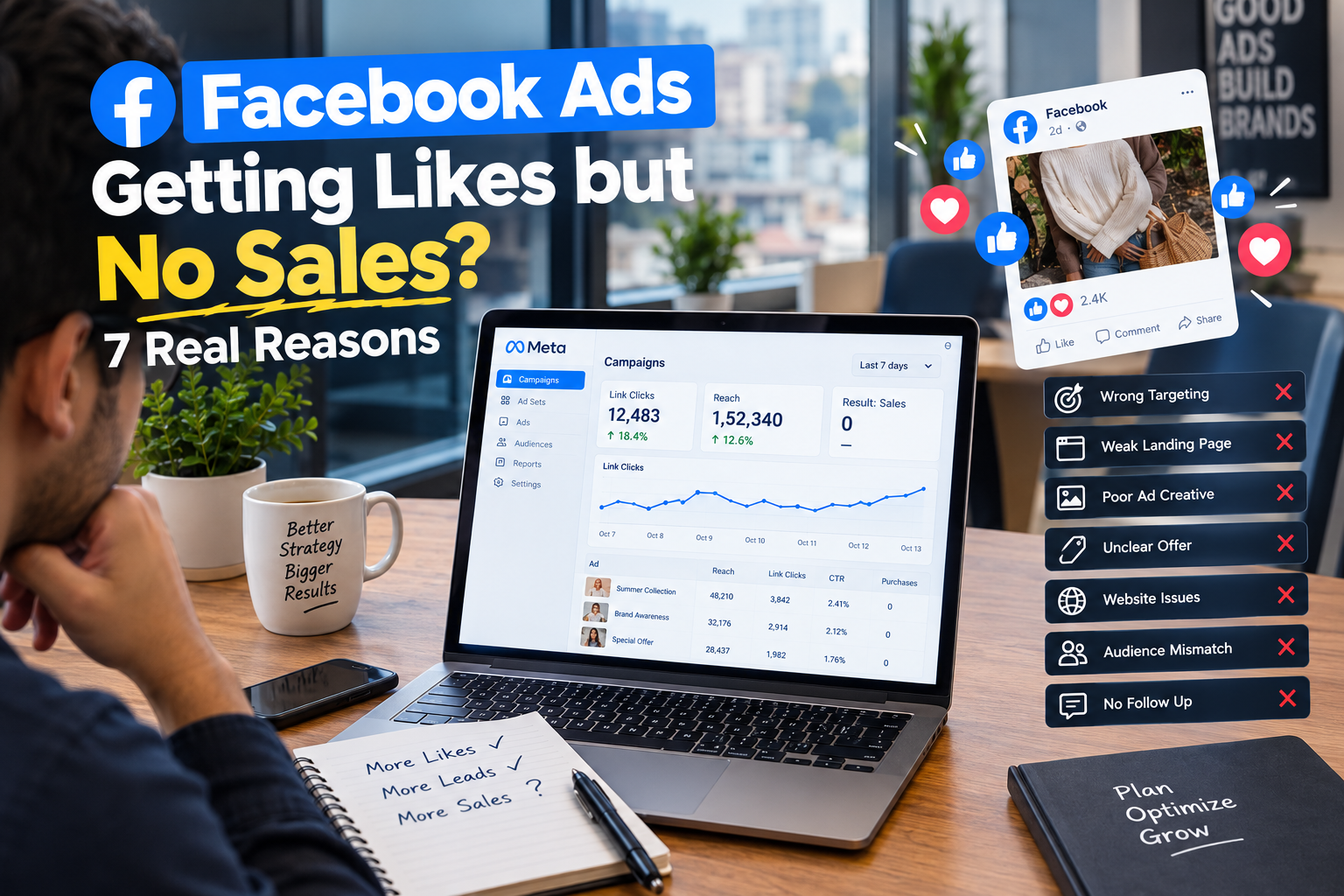
Meta can deliver the click, but it cannot close the sale. If click-through rate is healthy and ROAS still fell, the leak is probably after the click. Open your own store on a phone, on mobile data, and buy something.
- Has page speed slipped after a new app or a heavy banner?
- Did a price, shipping fee, or delivery estimate change?
- Is your best offer still visible without scrolling?
- Does the page match the promise in the ad?
A conversion rate that slides from 2.5% to 1.5% will cut ROAS by roughly 40%, with no change at all inside Ads Manager. Many D2C brands lose weeks hunting the problem in the ad account when it sat on the product page the whole time.
Step 7: Review recent account changes
Think back over the last ten days. Did anyone raise a budget sharply, duplicate a campaign, edit an ad set that was in the learning phase, or switch a bidding strategy? Big edits can send an ad set back into learning, and performance can wobble for a few days.
A sensible habit is to move budgets in steps of about 20% rather than doubling overnight, and to change one thing at a time so you can tell what caused what. Keep a simple change log. When ROAS drops, the log is the first place you look.
A quick symptom-to-cause guide
| What you see | Most likely cause | First thing to do |
| Meta shows fewer purchases, store sales steady | Tracking or attribution | Check Events Manager and server-side events |
| Frequency up, CTR down | Creative fatigue | Launch new angles, not recolours |
| Reach flat, CPA climbing | Audience saturation | Widen targeting, refill prospecting |
| CPM jumped, CTR and conversion rate stable | Auction pressure | Protect margin, sharpen offers |
| CTR fine, conversion rate down | Landing page or offer | Test the full buying path on mobile |
| Drop right after an edit | Learning phase reset | Hold steady, stop stacking changes |
What not to do while ROAS is down
- Do not cut budget in a panic. Learning resets and lost momentum often make the dip longer.
- Do not change five things at once. You will fix it and never know why, or make it worse and never know why.
- Do not judge a new ad in a day. Give it enough spend to produce a signal before you kill it.
- Do not trust one metric. Read ROAS next to CPM, CTR, conversion rate, and real store revenue.
Frequently asked questions
How long should I wait before reacting to a ROAS drop?
Give it three to seven days of data unless the drop is severe or clearly caused by a tracking fault. Fix tracking problems immediately. Judge performance problems over a week.
Is a ROAS drop always a sign my ads stopped working?
No. Tracking gaps, higher CPMs in busy periods, and landing page problems all lower ROAS without the ads themselves getting worse.
What is a good ROAS for a D2C brand?
It depends on your margins. Work out your break-even ROAS from gross margin and aim for something comfortably above it. A 3x ROAS can lose money on thin margins and print money on fat ones.
The bottom line
When your Meta Ads ROAS drops, work through it in order: confirm the drop, check tracking, look at creative, check audience, account for the auction, audit the landing page, and review your own recent changes. Most accounts recover once the real cause is found, and most causes sit in the first three steps.
If you would rather have a team that does this every week across dozens of D2C accounts, talk to the specialists at The Brand Hawk. We will audit your account and show you exactly where the ROAS went.