
You can write the best blog post on the internet. Perfect research, clean formatting, a killer headline. And Google still might never show it to anyone.
Why? Because none of that matters if search engines can’t actually find, read, or make sense of your page in the first place. That’s the part most marketers skip. They obsess over keywords and content calendars but never look under the hood at what’s actually happening with their website’s technical health.
That’s where technical SEO comes in. And no, you don’t need to be a developer to understand it. You just need to know what to look for, why it matters, and when to loop in someone who can fix it.
Here’s the breakdown every marketer should have in their back pocket.
What Is Technical SEO, Really?
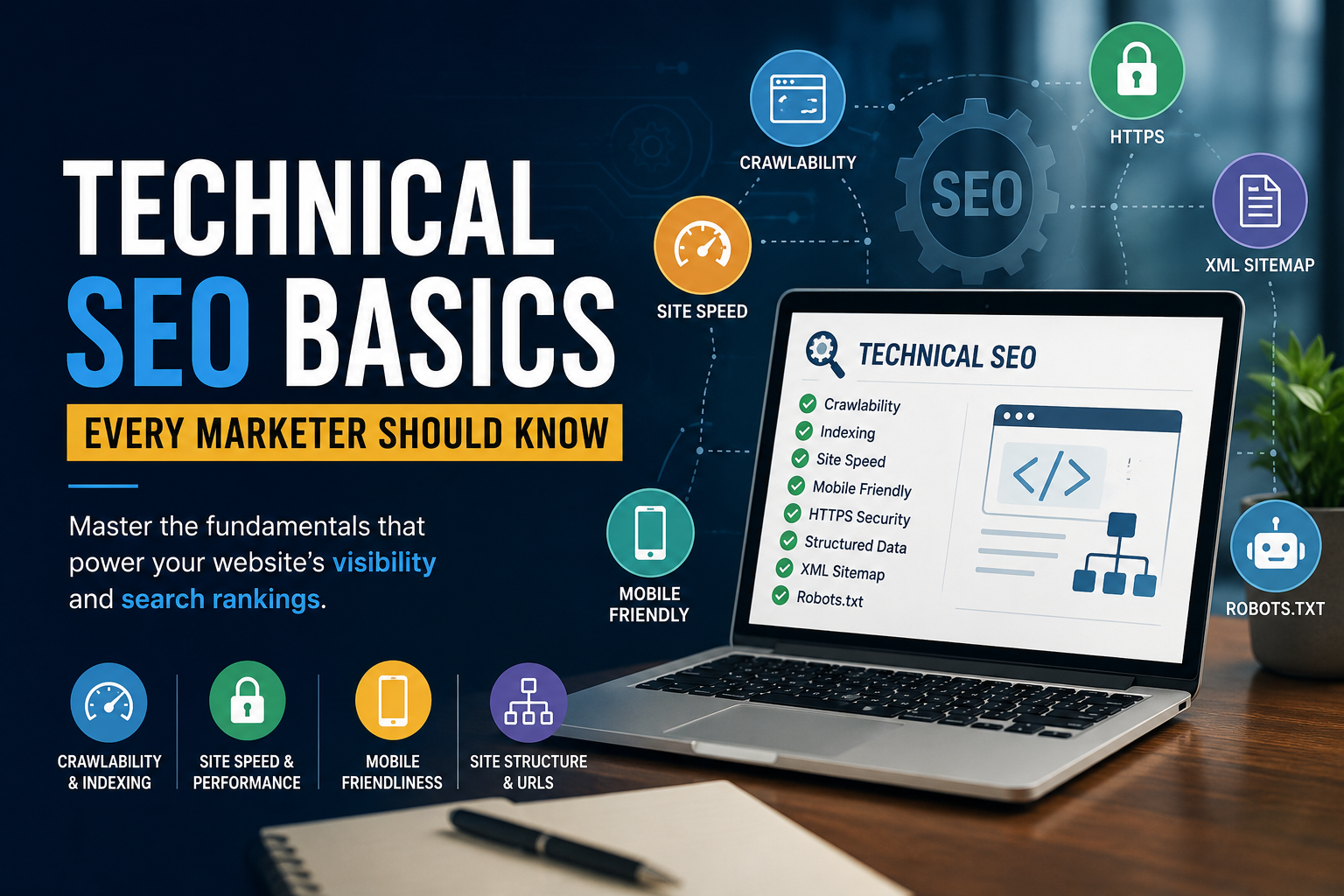
Technical SEO is the set of behind-the-scenes optimizations that help search engines crawl, understand, and index your website correctly. It’s different from on-page SEO (your content and keywords) and off-page SEO (your backlinks and authority). Technical SEO is the plumbing and wiring of your site — invisible to visitors, but essential to whether your pages ever show up in search results at all.
Think of your website like a store. Your content is the merchandise. Your backlinks are word-of-mouth reputation. Technical SEO is the building itself — the foundation, the doors, the lighting. If the doors are locked, it doesn’t matter how good the merchandise is.
Why Marketers Can’t Afford to Ignore It Anymore
A few years ago, you could get away with treating technical SEO as an IT problem. Not anymore. Google now evaluates hundreds of ranking signals, and a growing number of them are technical: page speed, mobile usability, structured data, and how well your content can be parsed by both search engines and AI-driven answer engines like AI Overviews and ChatGPT search.
In other words, technical SEO isn’t a “nice to have” sitting quietly in the background. It’s a gatekeeper. Get it wrong, and your content strategy never gets a fair shot.
The Core Building Blocks
1. Crawlability
Before Google can rank your page, a crawler (Googlebot) has to find it. Crawlability issues — broken internal links, orphaned pages, blocked resources — mean parts of your site are essentially invisible to search engines.
What to check:
- Your robots.txt file isn’t accidentally blocking important pages
- Your internal linking structure connects every important page to at least one other page
- No important pages are stuck behind JavaScript that crawlers struggle to render
2. Indexing
Getting crawled isn’t the same as getting indexed. Indexing is when Google decides a page is worth storing and eligible to appear in search results.
What to check:
- Use Google Search Console’s “Pages” report to see what’s indexed vs. excluded
- Watch for accidental noindex tags left on live pages
- Clean up duplicate content that confuses Google about which version to index
3. Site Speed and Core Web Vitals
Page speed is a confirmed ranking factor, and it’s also just good user experience. Google measures this through Core Web Vitals — a set of metrics covering loading speed, interactivity, and visual stability.
What to check:
- Run your site through Google PageSpeed Insights
- Compress images and enable lazy loading
- Minimize render-blocking scripts
A slow site doesn’t just rank worse — it loses visitors before they even see your content.
4. Mobile-First Indexing
Google predominantly uses the mobile version of your site for indexing and ranking, not the desktop version. If your mobile experience is clunky, that’s what Google judges you on.
What to check:
- Test with Google’s Mobile-Friendly Test
- Make sure content, images, and structured datamatch across mobile and desktop versions
5. HTTPS and Site Security
This one’s simple: HTTPS is a baseline requirement, not a bonus. Google has flagged non-secure sites for years, and browsers now actively warn visitors away from unsecured pages.
6. XML Sitemaps
Your sitemap is essentially a roadmap you hand directly to search engines, telling them which pages matter and how your site is structured. Keep it updated, submit it in Search Console, and make sure it doesn’t include broken or redirected URLs.
7. Structured Data (Schema Markup)
Schema markup helps search engines understand the context of your content — is this a recipe, a product, a review, an FAQ? Structured data increases your chances of landing rich results like star ratings, FAQ snippets, and “People Also Ask” boxes, all of which boost visibility and click-through rate.
Technical SEO in the Age of AI Search
Here’s the shift most marketers haven’t caught up on yet: search is no longer just Google’s blue links. AI-driven answer engines now pull information directly from websites to generate summaries and direct answers. If your product details or key facts are buried behind heavy JavaScript rendering, these tools may skip your site entirely when assembling an answer, even if your content is excellent.
That means the technical basics — clean HTML, fast-loading pages, structured data, clear content hierarchy — matter even more in 2026 than they did five years ago. It’s not just about ranking anymore. It’s about being readable by machines at all.
A Quick Technical SEO Checklist for Marketers
☐ Confirm important pages aren’t blocked in robots.txt
☐ Check Search Console for indexing errors
☐ Run a Core Web Vitals report and fix major speed issues
☐ Verify mobile usability
☐ Confirm HTTPS is active site-wide
☐ Submit and update your XML sitemap
☐ Add schema markup to key page types (products, articles, FAQs)
☐ Audit for duplicate or thin content
You don’t need to fix everything overnight. Technical SEO isn’t a one-time project — it’s ongoing maintenance, like changing the oil in a car. But knowing this checklist means you’ll catch problems before they quietly tank your traffic.
Final Thoughts
Technical SEO used to be the part marketers happily left to developers. That’s changing. As search evolves — with AI Overviews, answer engines, and stricter performance standards — marketers who understand these fundamentals have a real advantage. You don’t need to become an engineer. You just need to know what “healthy” looks like, spot when something’s broken, and know which questions to ask your dev team.
Get the foundation right, and everything else you do in SEO — content, keywords, backlinks — finally has a chance to work the way it’s supposed to.
FAQs
What is technical SEO in simple terms?
Technical SEO is optimizing your website’s backend structure — speed, crawlability, security, mobile usability — so search engines can access and understand your content.
Is technical SEO hard to learn?
The concepts are straightforward once explained clearly. Implementing fixes often requires some development help, but understanding what needs fixing is very learnable for marketers.
How often should technical SEO be reviewed?
Every few months at minimum, or any time you launch a major site redesign, migrate platforms, or notice a sudden traffic drop.
What’s the difference between technical SEO and on-page SEO?
Technical SEO is about site infrastructure (speed, crawlability, indexing). On-page SEO is about content and keywords. Both are needed — one without the other rarely works.