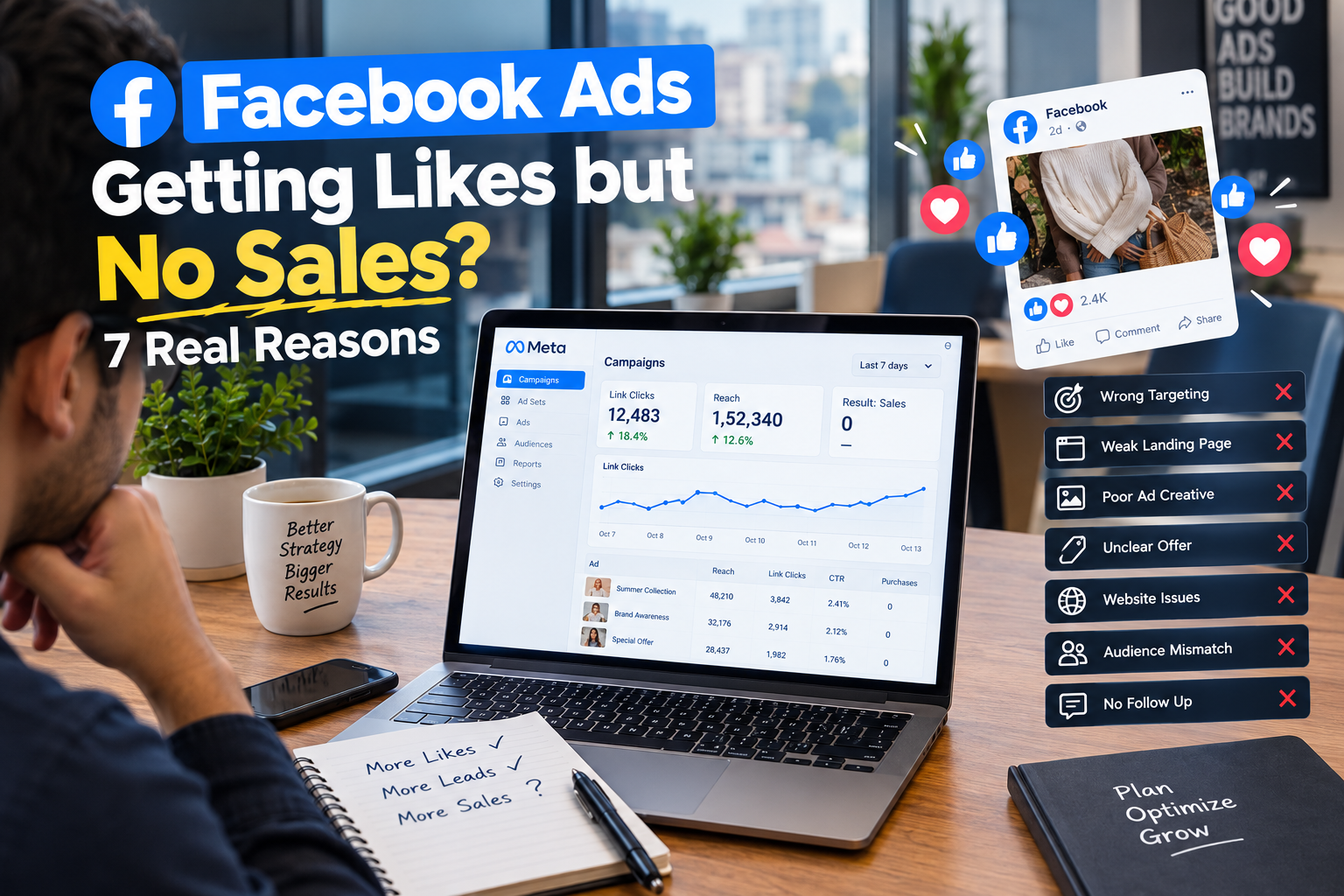
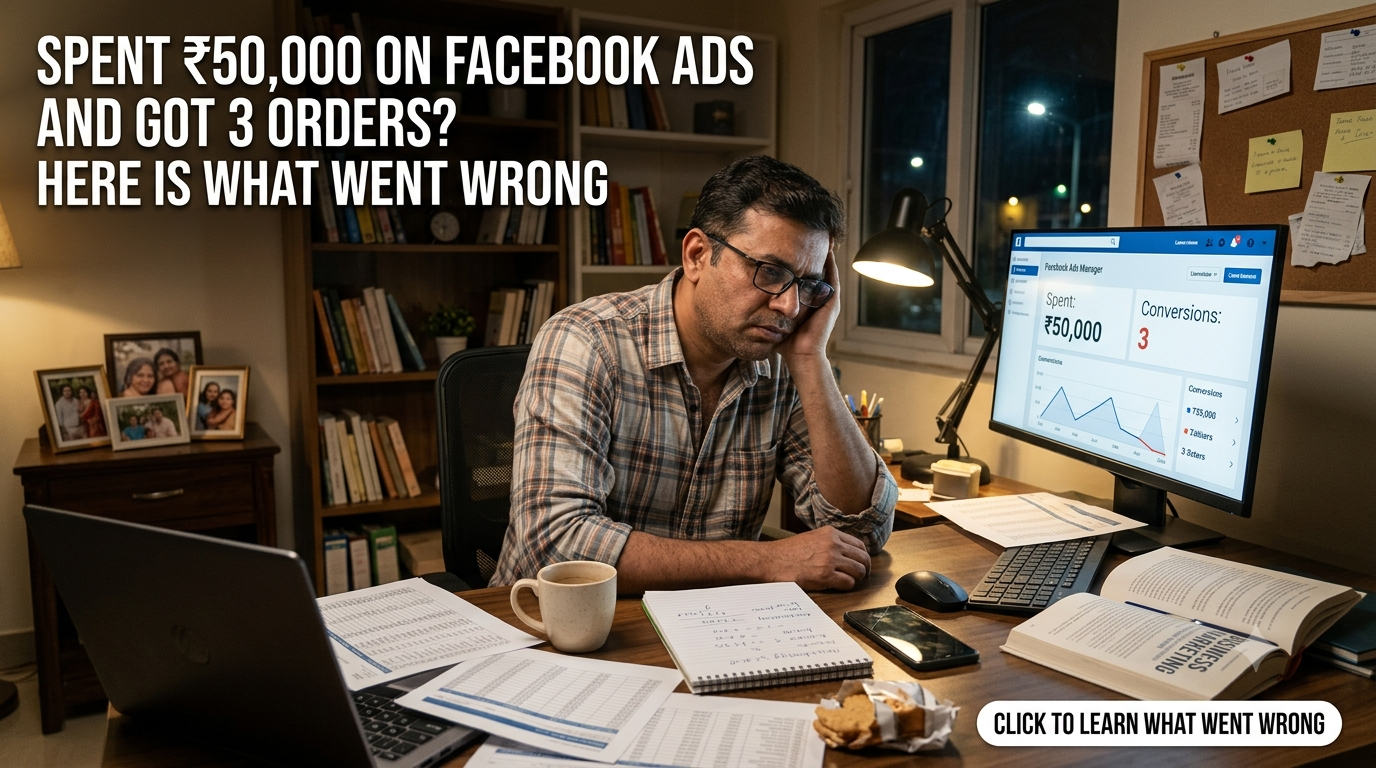
It is a horrible feeling. You set up the campaign, you watched the spend climb past ₹10,000, then ₹30,000, then ₹50,000, and the order notifications never came. Three orders. Maybe your cousin was one of them. If your Facebook Ads are not getting orders despite a real budget, the first thing to know is that this is rarely bad luck, and it is almost never “Facebook doesn’t work for my product.” It is a specific failure somewhere in a chain, and the chain can be checked.
This guide shows you how to find the break, in the order that saves the most time.
First, do the math that tells you where to look
Before you change a single setting, put numbers on the funnel. Say your cost per click was around ₹15, which is common for many Indian D2C accounts. Then ₹50,000 bought you roughly 3,300 clicks. Three orders from 3,300 visitors is a conversion rate of about 0.09%. A decent online store often converts somewhere between 1% and 3% of visitors, so even a mediocre store would have produced 30 to 100 orders from that traffic.
That gap is the clue. It tells you the problem is probably not the ad delivering clicks. It is either (a) the clicks were the wrong kind, (b) something between the click and the purchase is broken, or (c) the orders happened but were never recorded. Each of those has its own fix, and the next sections take them one at a time.
Reason 1: Your tracking is broken, so the sales are invisible
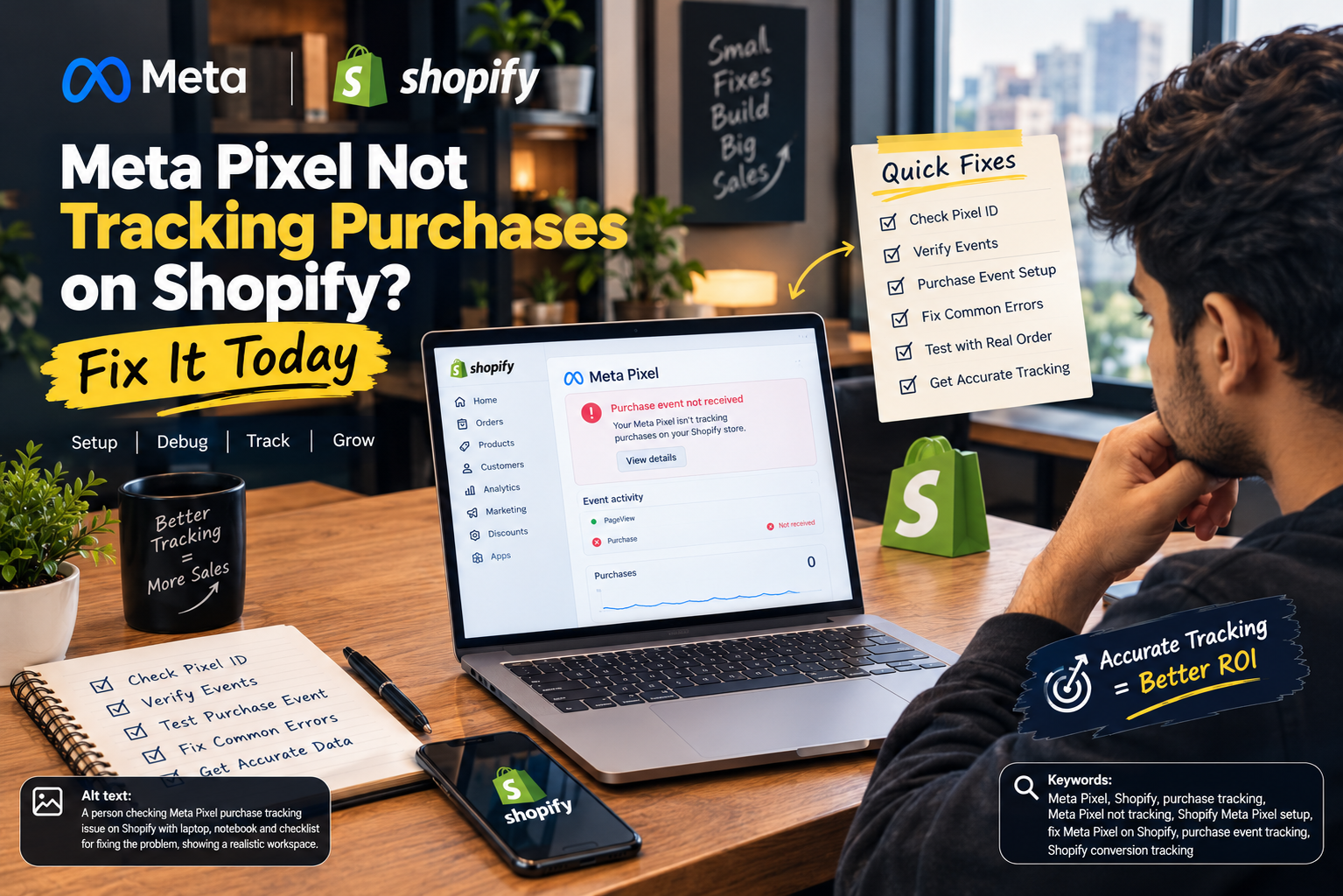
Start here, because it costs nothing to check and it is surprisingly common. If the Meta Pixel or the Conversions API is not recording purchases, you may have made more than three sales and Meta simply cannot see them. Worse, Meta then optimises blindly because it has no purchase signal to learn from.
- Compare Ads Manager against your store. Open Shopify, WooCommerce, or your payment dashboard and count real orders from the same dates.
- Open Events Manager. Is the Purchase event firing at all? Is it firing on the thank-you page only, or on every page load?
- Test it yourself. Click your own ad, add to cart, and complete a small order. Then see whether the event shows up.
If your store shows 12 orders and Meta shows 3, you do not have a Facebook problem. You have a measurement problem, and you should fix it before spending another rupee.
Reason 2: The campaign was optimising for the wrong thing
Meta gives you what you ask it to find. If the objective was Traffic, Engagement, or Video Views, the system hunted for people who click, like, or watch. Those people exist in huge numbers and almost none of them buy. You got exactly what you paid for.
Check your campaign objective and the optimisation event inside each ad set. For a store that wants sales, you generally want the Sales objective, optimising for Purchase. A common mistake is optimising for Landing Page Views or Add to Cart because purchases feel too rare to learn from. That feels safe, and it produces cheap, low-intent traffic.
Reason 3: Your budget was spread too thin to learn anything
A budget of ₹50,000 can still fail if it was sliced into eight ad sets of ₹300 a day each. Meta’s delivery system needs a steady flow of conversions to learn who your buyers are. A widely used rule of thumb is around 50 conversions per ad set per week to exit the learning phase properly. With three orders in total, nothing ever learned.
If your purchase volume is low, fewer ad sets with more budget each is usually better than many tiny tests. Consolidate, let the system collect data, and resist the urge to edit things every day. Constant edits reset learning and make the problem worse.
Reason 4: The landing page is leaking buyers
This is where many brands lose most of their money without realising it. The ad did its job and got the click. Then the visitor met a slow page, a confusing layout, or a checkout that asked for too much, and left.
- Open your store on mobile data, not office Wi-Fi. If it takes more than three or four seconds to show the product, many people are already gone.
- Message match. If the ad promised a ₹499 offer and the page opens on a generic homepage, the visitor feels lost. Send ad traffic to the exact product or a focused landing page.
- Mobile first. Most of your traffic is on phones. Check that the buy button is visible without scrolling and the page does not shift while loading.
- Checkout friction. Forced account creation, hidden shipping costs, and long forms all kill orders at the last step.
Reason 5: Trust is missing, especially for a new brand
Strangers are being asked to hand over money to a brand they met ten seconds ago. In India that hesitation is even stronger, which is why Cash on Delivery, visible return policies, and real reviews can change the result dramatically.
- Show genuine customer photos and reviews near the buy button.
- Make the return and refund policy easy to find.
- Offer familiar payment options such as UPI and COD where it makes sense for your margins.
- Add a clear contact number or WhatsApp link, plus an About page with a real face and a real address.
If your store looks like it could vanish next week, people will not risk their money, however good the ad is.
Reason 6: The creative did not stop the scroll or make a promise
An ad that looks like every other ad in the feed gets scrolled past. Weak creative gives you a low click-through rate and expensive, unfocused traffic. The people who do click are often curious, not ready to buy.
Good performing ads usually open with a strong first two seconds, show the product actually being used, and speak to one specific problem. Test a few genuinely different angles, for example a problem-led hook, a before-and-after, and a customer story, instead of three versions of the same idea with different colours. If video is your bottleneck, our team at The Brand Hawk builds Meta Ads creative, including AI-assisted video, so you can test new angles quickly.
Reason 7: The offer or the product itself is the problem
Sometimes the honest answer is uncomfortable. If tracking is fine, the page is fast, the creative is decent, and people still do not buy, the offer may not be compelling enough. Price too high for an unknown brand, no reason to buy now, or a product that is simply the same as five cheaper alternatives.
Before you blame the platform, ask a hard question: why should a stranger buy this from me, today, instead of from someone they already know? A launch discount, a free gift, a bundle, or a stronger guarantee often moves results more than any targeting tweak.
A quick diagnosis table
| What you notice | Likely problem | What to do first |
| Store shows more orders than Meta | Tracking or attribution | Fix Pixel and Conversions API |
| Lots of clicks, almost no add to cart | Wrong objective or weak page | Switch to Sales, review the landing page |
| Add to cart is fine, checkout drops off | Checkout friction or trust | Simplify checkout, add COD and reviews |
| Very low click-through rate | Weak creative | Test new hooks and formats |
| Many tiny ad sets, no results | Budget too fragmented | Consolidate and let it learn |
| Everything looks fine, still no sales | Offer or product-market fit | Strengthen the offer, then retest |
A 48-hour plan to find your problem
Day 1: Check the plumbing.
- Reconcile Meta orders against your store orders for the full spend period.
- Confirm the Purchase event fires correctly and the Conversions API is connected.
- Verify the campaign objective and optimisation event are set to Purchase.
- Place a test order from your phone, from ad click to thank-you page.
Day 2: Fix the leaks, then relaunch smaller.
- Fix the slowest and most confusing parts of the landing page first.
- Add reviews, a return policy, and a payment option people trust.
- Pause the scattered ad sets and relaunch with fewer, better-funded ones.
- Launch two or three genuinely different creative angles.
Then spend a small, controlled amount, perhaps ₹3,000 to ₹5,000, and watch for add-to-cart and purchase signals before scaling anything. Do not repeat the ₹50,000 experiment until the small test shows real movement.
Frequently asked questions
How much should I spend before deciding Facebook Ads do not work for me?
Spend enough to get a meaningful signal, but fix the obvious problems first. Burning more budget on a broken tracking setup or a slow page only teaches you nothing, expensively.
Is 3 orders from ₹50,000 always a tracking issue?
Not always, but check it first because it is the cheapest to rule out. If tracking is accurate, the cause is usually the landing page, the objective, the offer, or trust.
Should I switch to Google Ads instead?
Moving platforms will not fix a weak page, a weak offer, or missing trust. Those problems follow you everywhere. Fix them first, then compare channels fairly.
The bottom line
When your Facebook Ads are not getting orders, the money is not wasted if you learn why. Check tracking, confirm the objective, consolidate your budget, tighten the landing page, build trust, sharpen the creative, and finally question the offer. In that order, most accounts reveal their problem within two days.
If you want an expert to look at the account with you, the team at The Brand Hawk runs Meta Ads for D2C, ecommerce, and B2B brands, and we will show you exactly where the ₹50,000 went.