Shopify says 52 orders this week. Meta Ads Manager says 19 purchases. Which one do you believe?
Shopify, almost always. When the numbers are far apart, your Meta Pixel or Conversions API is not passing purchase data properly. That hurts twice: your reports look worse than reality, and Meta’s algorithm learns from incomplete data, so it finds fewer buyers.
Here is how to fix it, step by step, without needing a developer for most of it.
First, a quick reality check
Meta and Shopify will never match perfectly. Meta only counts purchases it can connect to an ad within its attribution window, and some people block tracking. A gap of 10 to 25% is common.
A gap of 50% or more, or a sudden drop on a specific date, means something is broken.
Step 1: Use the official Facebook and Instagram app on Shopify
The cleanest setup for most stores is Shopify’s Facebook and Instagram sales channel, published by Meta. It installs the pixel and sends server events through the Conversions API.
Open the app, go to its data sharing settings and set it to the highest level available (often called Maximum). This turns on server side events, which survive ad blockers and browser privacy settings far better than the browser pixel alone.
Step 2: Remove old or duplicate pixel code
This is where most problems hide. Over the years many stores have collected:
- Pixel code pasted into theme.liquid
- Old scripts in the order status page settings
- A tracking app that also fires a pixel
- A second pixel ID from a previous agency
Shopify has moved away from the old Additional Scripts box on the thank you page, so custom code placed there may silently stop firing. Remove manual pixel code and let one source handle tracking. Duplicate pixels cause double counting; dead ones cause missing purchases.
Step 3: Test with Events Manager
In Meta Events Manager, open your pixel and use Test Events. Then on your phone:
- Visit a product page
- Add to cart
- Start checkout
- Place a real order (use a discount code or a cheap product, then cancel)
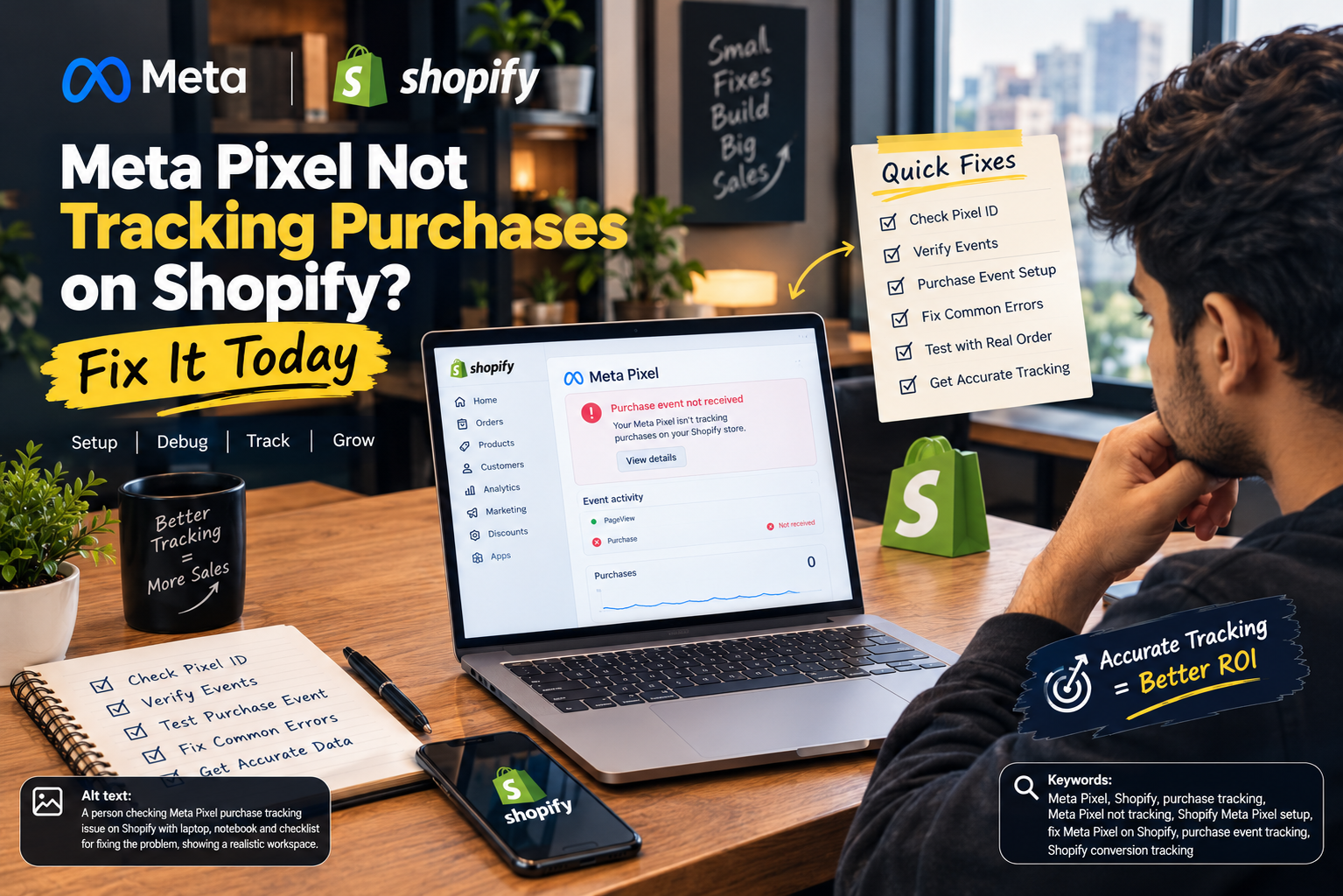
You should see ViewContent, AddToCart, InitiateCheckout and Purchase arrive, each from browser and server. If Purchase never appears, the thank you page tracking is broken.
The free Meta Pixel Helper extension for Chrome also shows which pixels fire on each page. If it shows two different pixel IDs, you have found a duplicate.
Step 4: Check deduplication
When both the browser and server send the same purchase, Meta needs a matching event ID to count it once. The official Shopify app handles this. In Events Manager, the Overview tab shows whether events are being deduplicated. If you see warnings, it is usually because a second app or manual code sends purchases without the shared ID.
Step 5: Look at Event Match Quality
Events Manager gives each event a match quality score. Higher scores mean Meta can match more purchases to real people. Sending customer details like email and phone through the Conversions API raises this score. The highest data sharing level in the Shopify app usually takes care of it.
Step 6: Check your attribution setting
In Ads Manager, check the attribution setting on your campaigns. A shorter window counts fewer purchases. Make sure you compare like with like when you judge performance week to week.
When you still need a developer
- You use a headless store or a custom checkout
- You use a third party checkout app that the Shopify app cannot see
- You run COD order confirmation tools that create orders outside the normal checkout
In these cases, a developer or agency should set up server side events directly.
Frequently asked questions
Why does Meta show fewer purchases than Shopify? Attribution windows, ad blockers, browser privacy and broken or duplicate pixels. Fix the setup first, then accept a small natural gap.
Do I still need the browser pixel if I use the Conversions API? Yes. Use both. Browser and server events together, deduplicated, give Meta the most complete picture.
Will fixing tracking improve my ROAS? Your reported ROAS becomes more accurate straight away. Over a few weeks, better data usually helps Meta find better buyers too.
My purchases are fine but Add to Cart is missing. Does it matter? Yes. Meta uses these events to learn. Missing mid funnel events make retargeting and optimisation weaker.
Want us to audit your tracking?
Tracking is the first thing we fix for every new client at The Brand Hawk. See how we run Meta Ads for Shopify brands or book a free 30 minute call and we will check your pixel live.